
 Pawkey
Walk with Scout to unlock your apps.
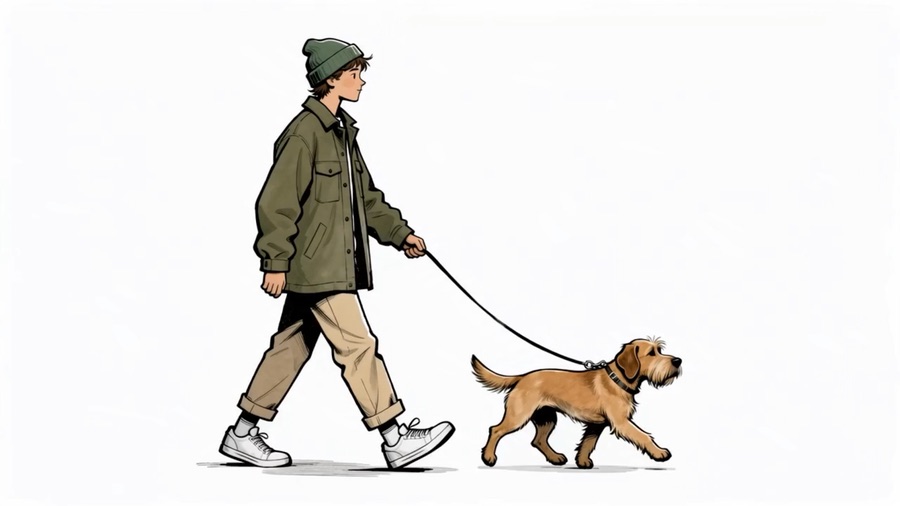
Pawkey locks the apps that eat your time. Scout, your dog companion, helps you earn minutes back by walking, so scrolling becomes a choice instead of a habit.
Coming soon to iPhone
How it works
Choose your apps
Pick the apps and categories you want to protect using Apple's Screen Time. Pawkey keeps them locked until you have time to spend.
Walk to earn minutes
Every step you take earns time. Steps on a walk you start with Scout count one and a half times. A daily limit you set keeps it from adding up too much.
Unlock when you want
Spend minutes to unlock your apps for a while. When the time runs out, they lock again. End early and the unused minutes come back.
Made to be kind, not strict
Streaks and trails
Keep a walking streak and follow seven named trails that unlock rewards as your lifetime steps grow.
Emergency unlocks
Three free 10-minute emergency unlocks every week, for the times you really need an app.
Widget and Live Activities
See your minutes on your Home Screen and follow a walk or an unlocked session from your Lock Screen.
Private by design
No account and no tracking. Your steps and history stay on your iPhone. Read the privacy policy.
Pawkey Pro
Pawkey is free to download and use. Pawkey Pro is an optional upgrade that adds unlimited protected apps (the free version protects up to three selections), Apple Watch steps through Apple Health, a choice of difficulty, and a streak freeze.
Pro is available as a monthly or annual subscription, or as a one-time lifetime purchase. Prices for your country are shown in the App Store before you buy. Subscriptions renew automatically until you cancel, and Apple handles all payments.
Help and support
What permissions does Pawkey ask for, and why?
- Screen Time: to lock the apps you choose and unlock them when you spend minutes.
- Motion & Fitness: to count your steps.
- Apple Health (optional, Pro): to read your step count, including steps from an Apple Watch. Pawkey only reads steps and never writes to Health.
- Notifications (optional): for the one-minute warning before an unlock ends, and when you tap "Walk" from a locked app.
Can Pawkey see which apps I use?
No. Apple's Screen Time gives Pawkey anonymous tokens for the apps you pick. Pawkey can't see app names, what you do in them, or how long you use them.
I walked but my minutes didn't go up.
Open Pawkey so it can read your latest steps. Check that Motion & Fitness is turned on for Pawkey in the iPhone Settings app, under Privacy & Security. Remember the daily limit: once you reach it, extra steps don't add more minutes that day.
How do I change or stop protecting my apps?
In Pawkey, go to Settings and tap "Change protected apps". To stop protection completely, tap "Turn off protection" and wait out the short 10-second pause. If you only need an app briefly, use an emergency unlock instead.
How do I restore Pawkey Pro on a new iPhone?
Sign in with the same Apple Account, then open Pawkey Pro in Settings and tap "Restore purchases".
How do I cancel my subscription or ask for a refund?
Apple manages Pawkey Pro subscriptions. Open the Settings app, tap your name, then Subscriptions, and choose Pawkey. Cancel at least 24 hours before the renewal date to avoid the next charge. For refunds, go to reportaproblem.apple.com.
How do I back up, move or delete my data?
Use "Export my data" in Settings to save a backup file, and "Import my data" on another iPhone to restore it. Deleting the app deletes all Pawkey data from your iPhone.
Still need help?
Email admin@arkandlabs.com with your iPhone model and iOS version. We usually reply within two working days.